





How to organise your Instagram saved posts

Collections work when you remember to use them. Here’s how to set them up so they hold up, and what changes when a rule does the filing instead.

Coming to iOS

Updated

7 saves
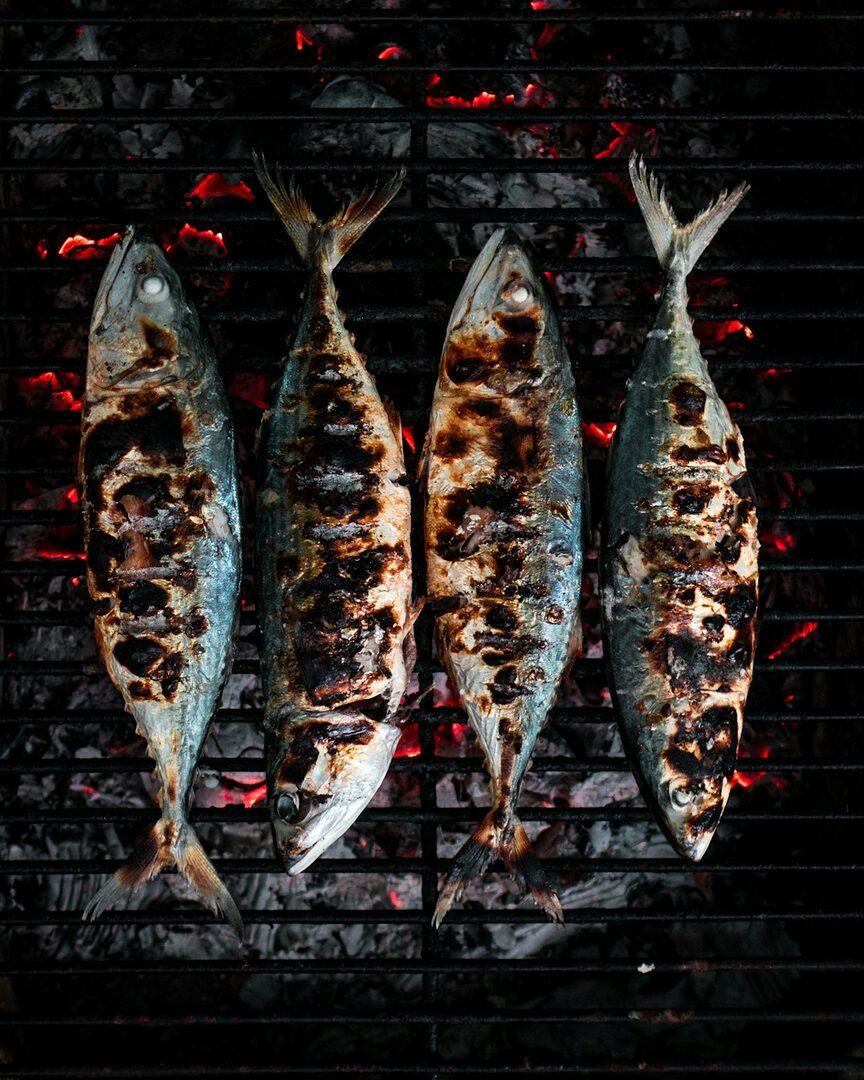
  • Grilled sardines in Alfama, the way June does it

    @june.eats · Instagram

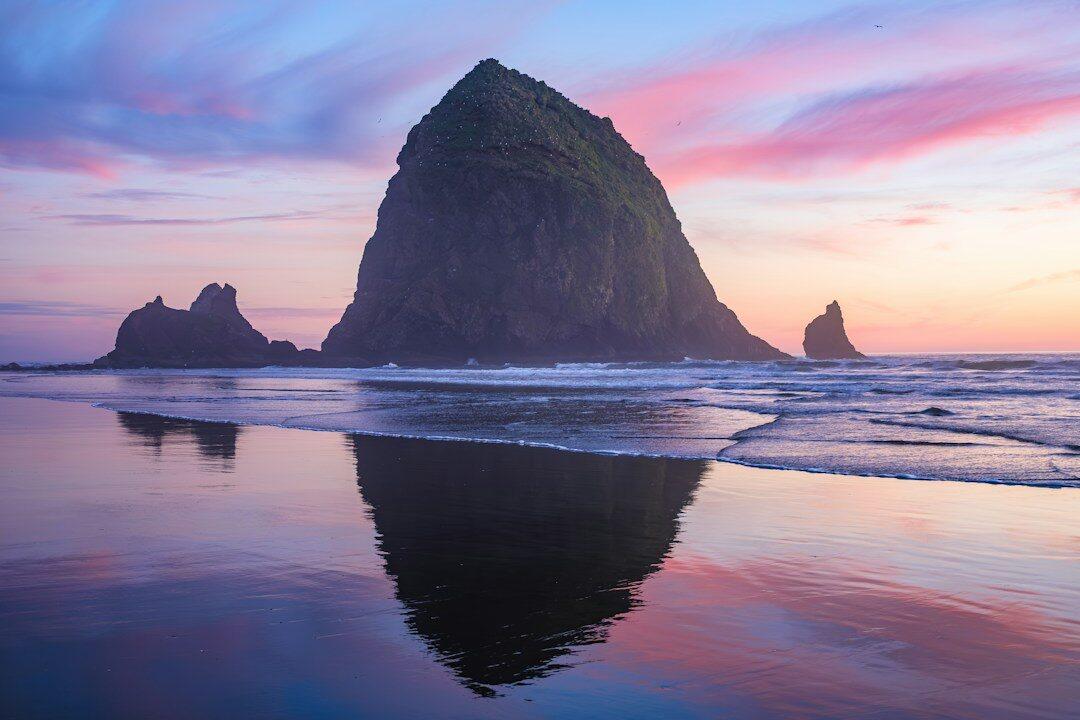
  • Oregon Coast in 3 days: Cannon Beach to Haystack Rock

    Wild Coast · YouTube

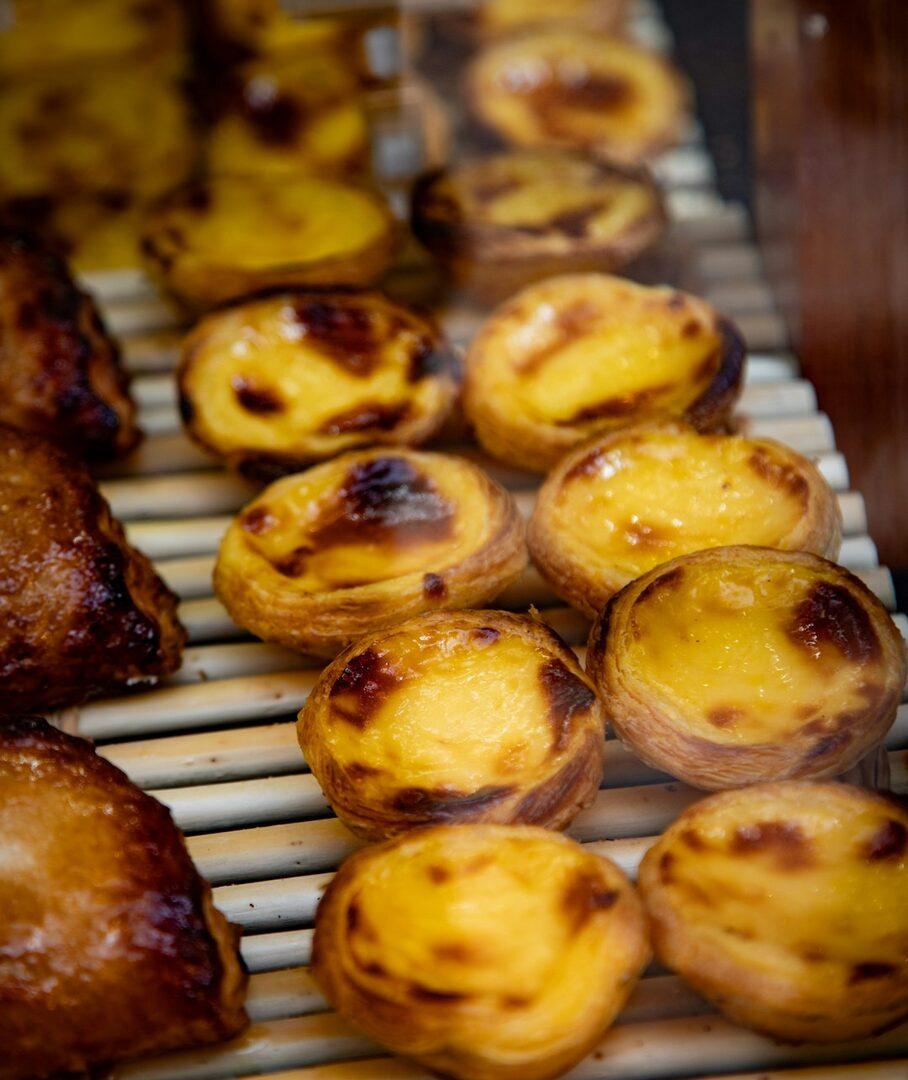
  • Skip the queue at Pastéis de Belém

    @sweetlisbon · TikTok

  • The 4:6 pour-over recipe in 60 seconds

    @slowbrew · TikTok

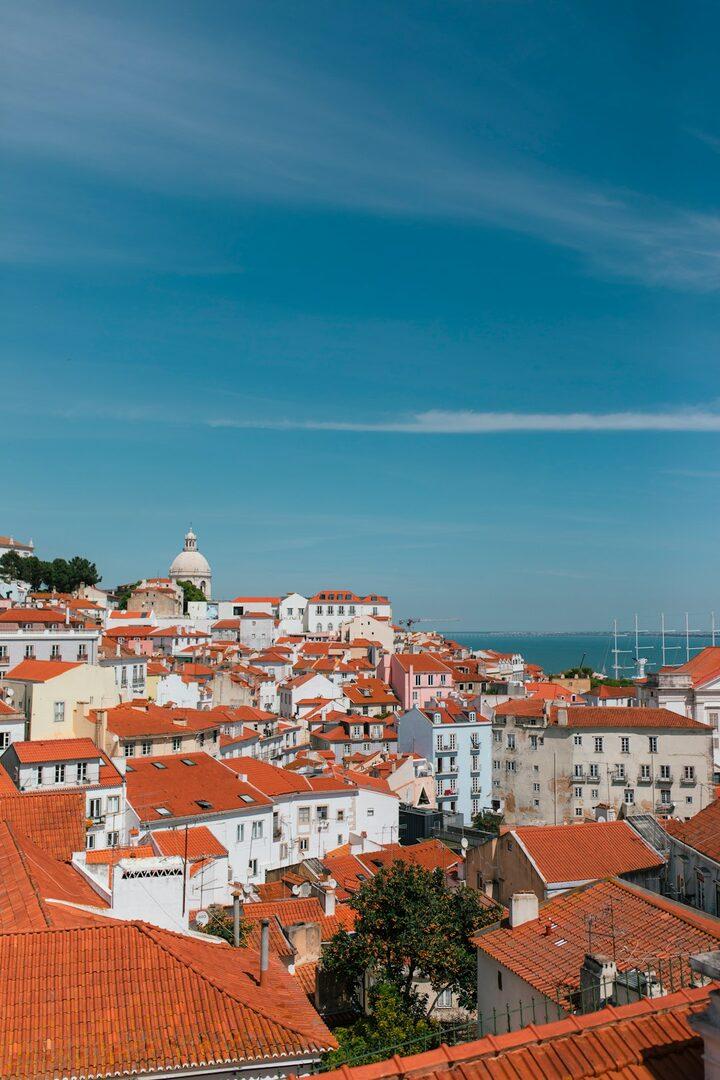
  • Three Lisbon viewpoints for golden hour, ranked

    @lisboa.notes · Instagram

  • Kyoto at 6am: Ninenzaka before the crowds

    @early.kyoto · Instagram

  • A quiet café street off Príncipe Real

    @cafe.maps · Instagram

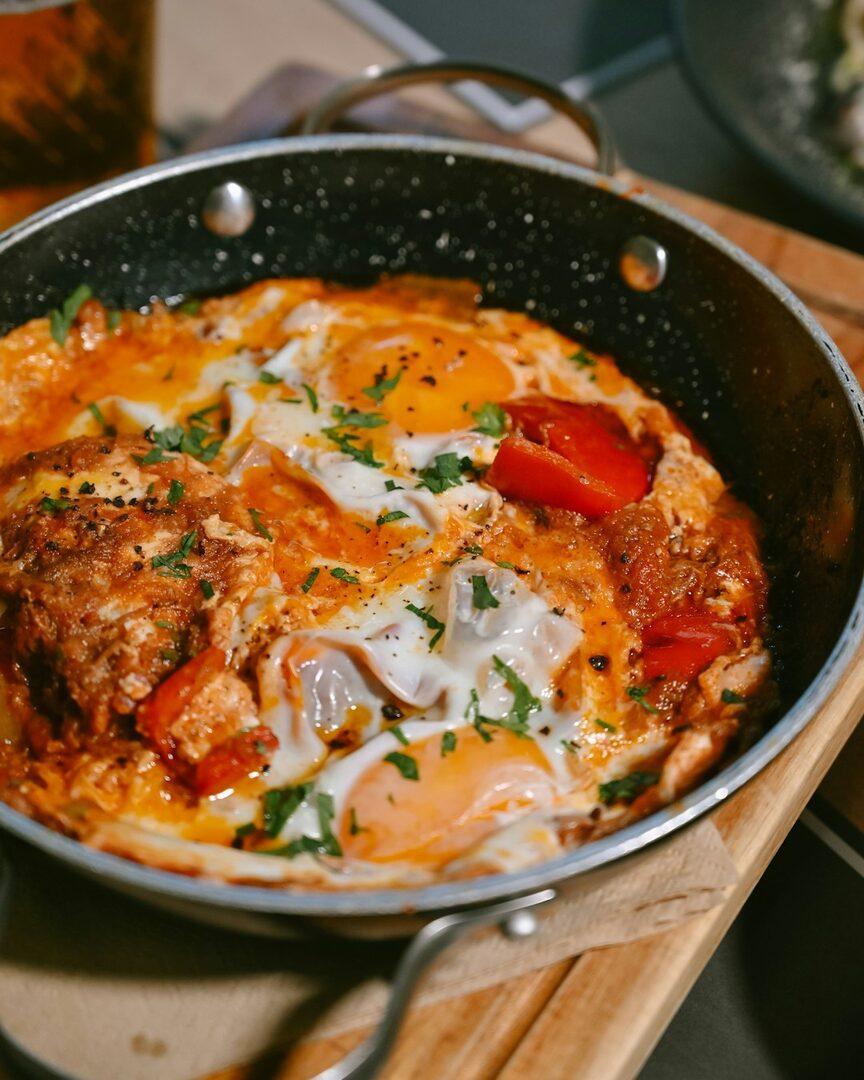
  • One-pan shakshuka in 20 minutes

    @panfuls · TikTok

  • How to ride tram 28 without the crowds

    @lisboa.notes · Instagram

  • Seceda ridge hike from Ortisei

    alpinedays.com · Web

  • Capela das Almas, Porto’s blue-tiled chapel

    @azulejo.walks · Instagram

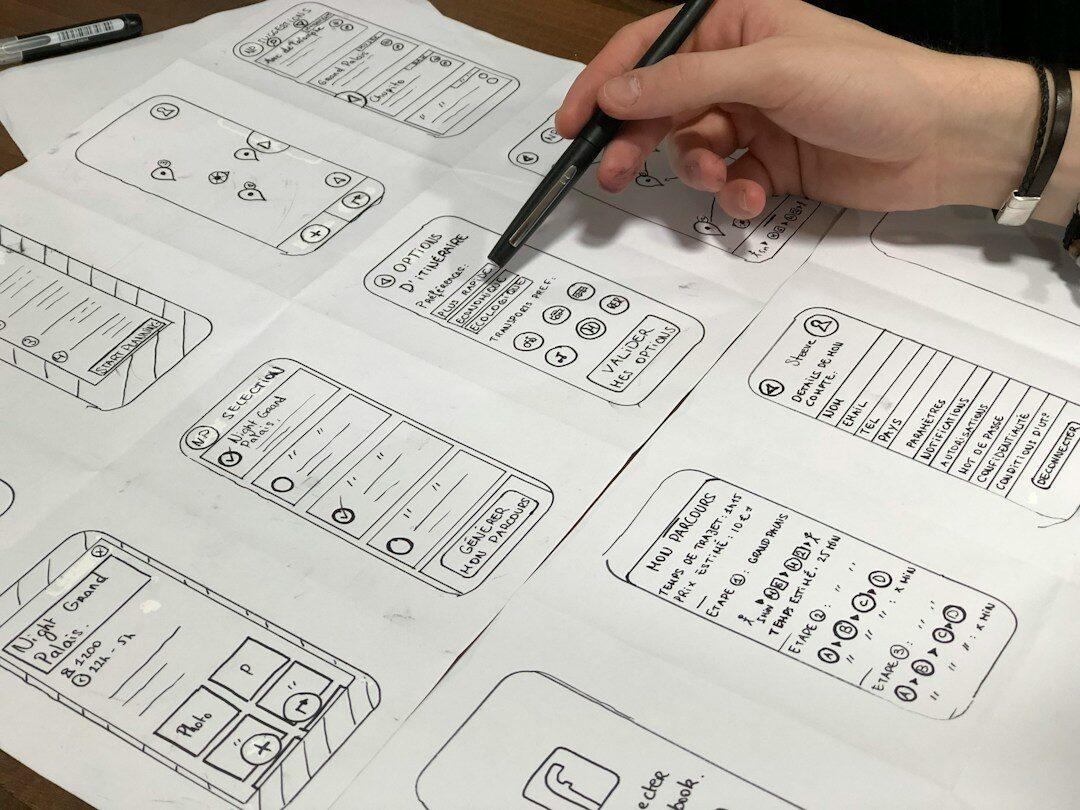
  • Sketch before you open Figma

    Design Notes · YouTube

Instagram collections, set up well

  1. Keep the list short. Five broad collections, like Recipes, Travel and Work, get used. Thirty narrow ones don’t.
  2. File at the moment you save. Tap the bookmark, then Save to collection. Anything you don’t file then lands in All posts and probably stays there.
  3. Share the planning ones. Collaborative collections let a friend add to the same trip or recipe list.
  4. Prune now and then. Removing what you no longer need keeps each collection short enough to scroll.

Why it still falls apart

Filing happens mid-scroll, which is the moment you least want to make a decision. A post also fits more than one collection: a Lisbon bakery is food and travel. And a collection only shows thumbnails, so finding one post inside it is still a scroll.

Rules instead of folders

MySwipe tags every post you share, from what the post actually says. A collection is a rule over those tags. Pick #portugal and #food, choose any or all, and every matching save files itself, including the ones you share next month.

Hand edits stick. Add a save to a collection yourself and it stays, even if it doesn’t match the rule. Remove one and it stays out. Trips are the one kind of collection MySwipe makes on its own, from the places your saves mention.

And when you know what you’re after, search reads every save, captions and transcripts included, so you often don’t need to open a collection at all.

What to expect

MySwipe doesn’t import your existing Instagram collections. It organises the posts you share to it from now on, from Instagram, TikTok, YouTube, LinkedIn, X or any link.

Questions

How do I make a collection of saved posts on Instagram?

Tap the bookmark under a post and choose Save to collection, or open Saved on your profile and tap the plus to make a new collection. You can rename or delete collections from the same screen.

Can a save be in more than one collection?

In MySwipe, yes. A save tagged #portugal and #food appears in every collection whose rule matches it.

Do MySwipe collections sync with Instagram?

No. MySwipe keeps its own copy of what it read from each post you share, and its collections live in MySwipe.

Can I change the tags MySwipe picks?

Yes. You can add a tag when you share a post, and edit tags on any save later. Collections update to match.

Save it now. Ask it later.

Coming to iOS